

Table of Contents
Camera Not Working in Mercedes-Benz GLC: Diagnosis and Fix
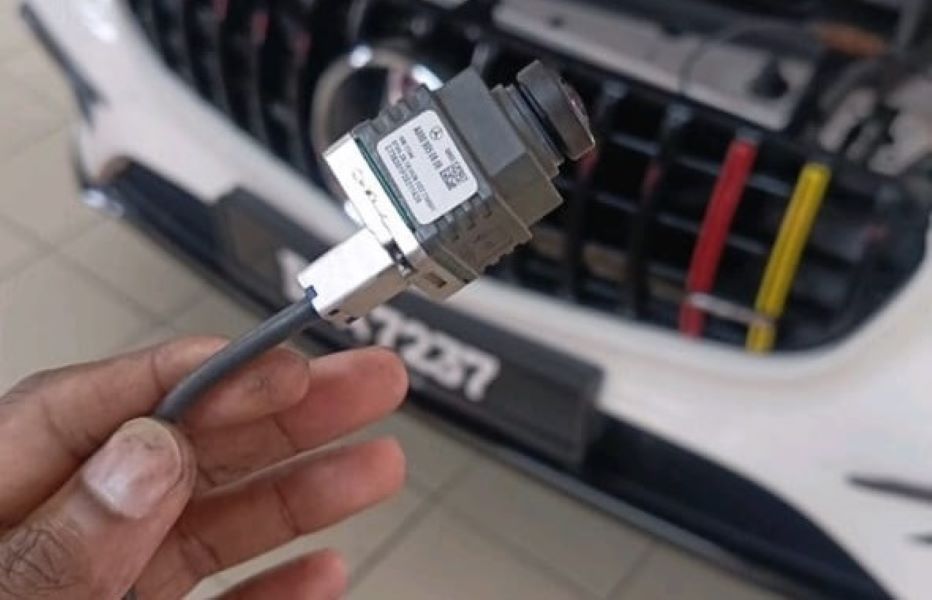
Modern Mercedes-Benz GLC models rely heavily on advanced camera and display systems to deliver essential driver-assistance and safety features from 360° parking to lane-keeping and collision avoidance.
However, when these systems fail, they can compromise both comfort and safety. A common issue many owners face is the front camera not working or a malfunctioning center display, leading to the loss of parking assist visuals, distorted images, or blank screens.
In this real-world case study, we’ll walk through the exact diagnostic and repair steps performed on a Mercedes-Benz GLC that came into the workshop with a non-functional front camera and a request to replace the center display.
By the end of this guide, you’ll see how a structured diagnostic approach, guided by the Mercedes-Benz STAR Diagnostic System (XENTRY), leads to a reliable, OEM-grade repair.
Related reading: For a complete overview of screen, camera, and dashboard faults across Mercedes models, visit our hub Mercedes Display and Camera Faults: Fix Dashboard, Screen Faults for more guides, causes, and real repair cases.
Customer Complaint
The customer reported two key concerns:
- – Front camera not working: The image did not appear on the infotainment display, and front driver-assistance functions were disabled.
- – Request to replace center display: The infotainment screen was intermittently freezing and showing blank sections.
Step-by-Step Diagnostic and Repair Process
Step 1: Full System Diagnostic Scan
Before replacing any part, a complete diagnostic scan was performed using the Mercedes STAR Diagnostic (XENTRY) system.
This scan checked all electronic control units (ECUs) related to the camera system and infotainment network.
Findings:
- – Communication failure detected with the front camera module.
- – Intermittent connection and data errors in the infotainment display control unit.
These fault codes confirmed that the issue was not isolated to software, but likely involved a hardware defect in both the camera and the display unit.
Step 2: Visual Inspection and Electrical Verification
To confirm the fault, a visual and electrical inspection was carried out.
- – Wiring and connectors: All connectors were checked for corrosion, water ingress, or looseness.
- – Power supply: Voltage supply at the front camera connector was verified using a multimeter readings were within specification.
- – CAN bus integrity: Continuity and signal checks confirmed proper communication between the camera module and the vehicle’s ECU.
Result: The front camera unit itself showed no live data response, confirming it was defective.
Step 3: Front Camera Replacement and Calibration
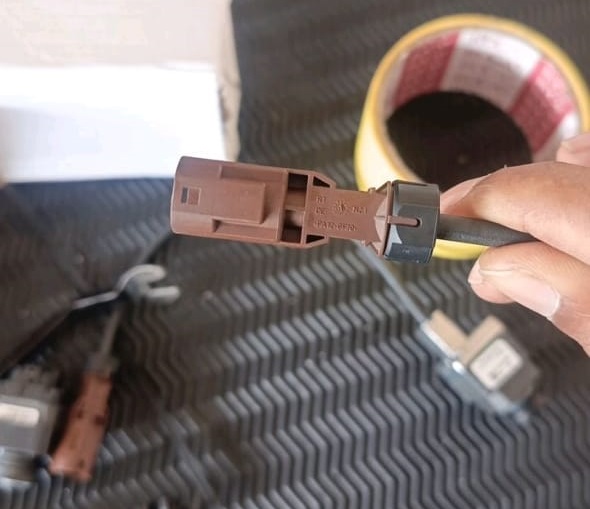
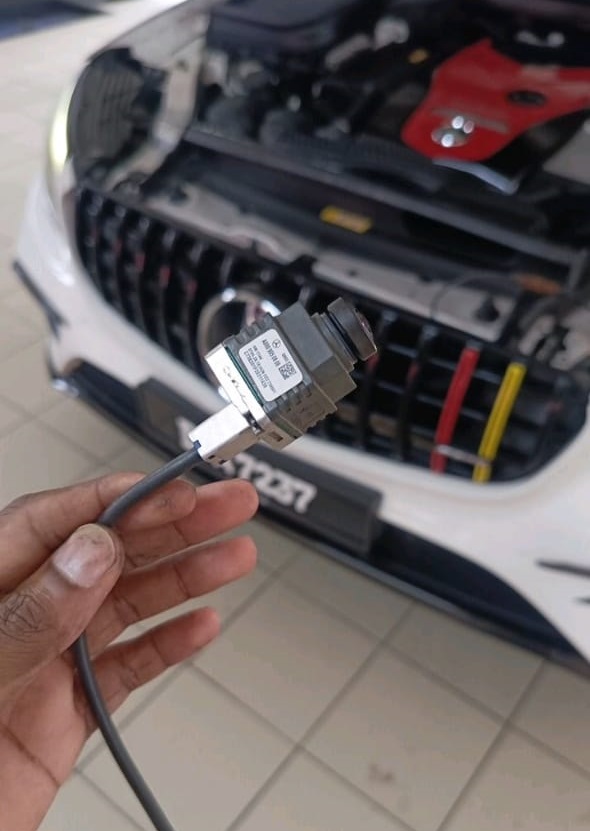
To restore functionality, the front camera was replaced with an OEM Mercedes-Benz unit.
Procedure:
- 1. Remove front grille and detach the defective camera.
- 2. Install and secure the new camera in the factory position.
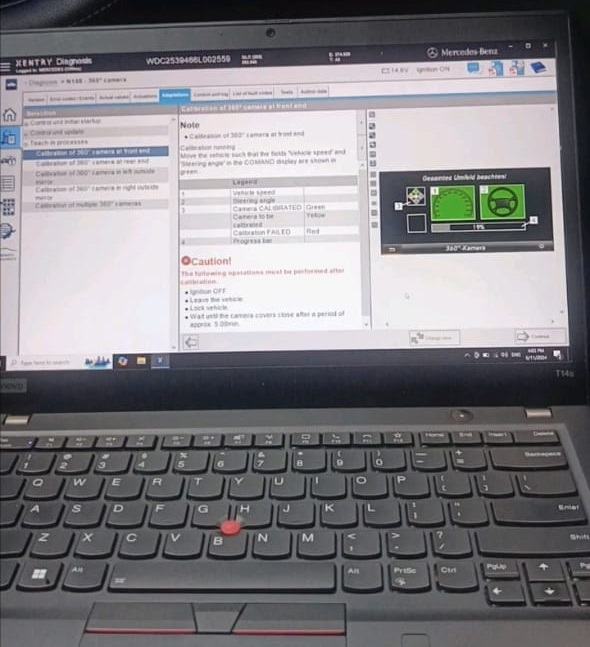
- 3. Perform camera calibration using the Mercedes-Benz calibration tool to ensure correct image alignment and object detection.
- 4. Conduct a test using XENTRY to verify live image feedback and error-free operation.
Outcome: The new camera displayed a clear and accurate image, restoring all camera-based driver-assistance functions.
Step 4: Center Display Replacement and Integration
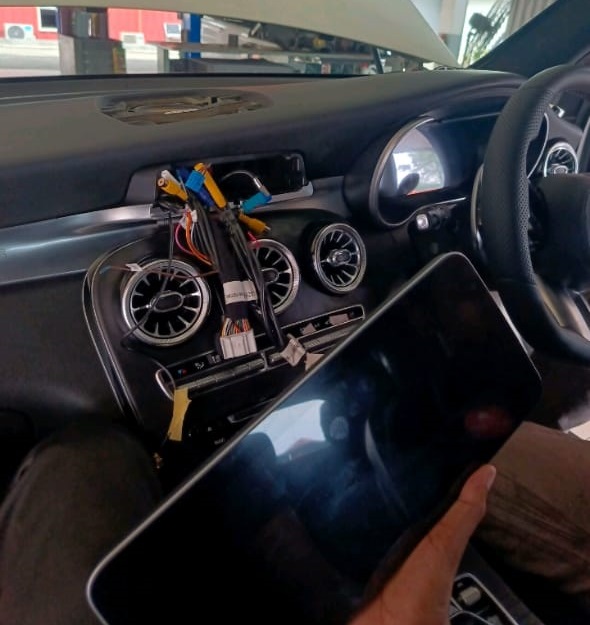
With the camera issue resolved, focus shifted to the center infotainment display, which required replacement.
Steps performed:
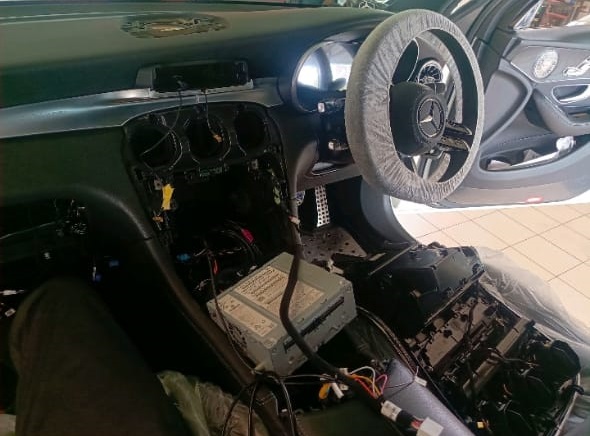
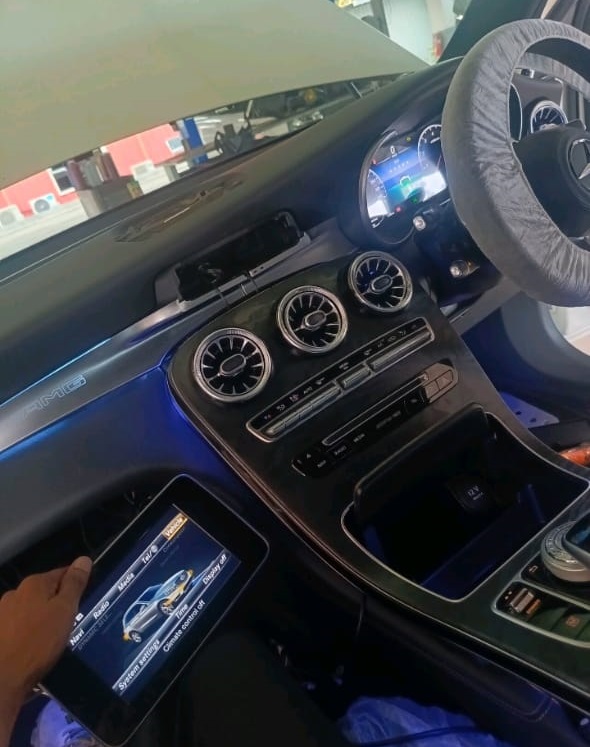
- 1. Carefully removed dashboard panels to access the defective display unit.
- 2. Installed a genuine Mercedes-Benz center display with proper LVDS and CAN connections.
- 3. Updated system software to sync the new display with existing control units (HU, IC, and camera module).
- 4. Tested navigation, camera integration, and touchscreen responsiveness.
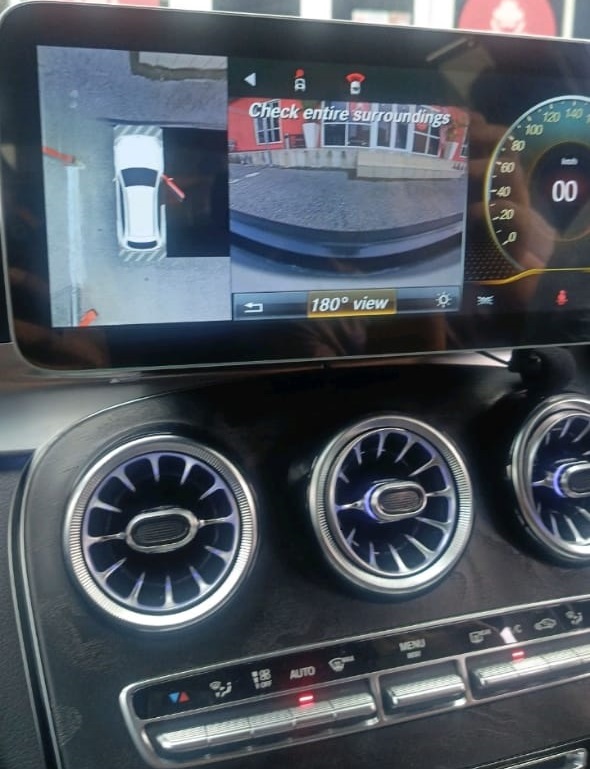
Result: The infotainment system operated smoothly, displaying crisp images from all cameras with no lag or flicker.
Step 5: Final System Check and Validation
After all replacements, a complete system verification was performed:
- – Conducted a full vehicle scan to ensure no fault codes remained.
- – Tested the camera feed, parking assist, and infotainment display under real-world driving conditions.
- – Demonstrated the restored functionality to the customer for confirmation and satisfaction.
Result:
Front camera fully functional
Display responsive and synchronized
No residual error codes or communication faults
Conclusion
If your Mercedes-Benz GLC front camera is not working, follow these best practices:
- 1. Perform a complete diagnostic scan with XENTRY before replacing any parts.
- 2. Inspect wiring, connectors, and power supply to rule out simple faults.
- 3. Replace defective camera modules only with OEM parts.
- 4. Calibrate the camera after installation to ensure proper object detection.
- 5. If display issues persist, replace and reprogram the center screen for full system integration.
By maintaining a systematic diagnostic approach, you can efficiently resolve both camera and display faults restoring all safety and infotainment features to factory standards.
Explore more: Find complete guides and related case studies in the hub
Mercedes Display and Camera Faults: Fix Dashboard, Screen Faults covering black screens, 360-camera errors, and display calibration issues across all Mercedes models.
— Salim, Mercedes Expert
Independent specialist in Mercedes-Benz diagnostics, CAN Bus analysis, troubleshooting case studies, and EV systems.