

Table of Contents
Mercedes Display and Camera Faults
Modern Mercedes-Benz vehicles are equipped with some of the most advanced infotainment, camera, and digital display systems in the automotive world from high-definition dashboards and MBUX touchscreens to intelligent 360° cameras.
However, when these systems fail, they can cause confusion and frustration for both drivers and technicians.
In this guide, we’ll explore the most common Mercedes display and camera problems, how to diagnose them, and where to find real case studies showing the exact fixes all organized under one hub for your convenience.
If your Mercedes screen is black, your dashboard display flickers, or your reverse/360 camera has stopped working, this guide will help you find the root cause and get your system back online quickly.
Common Mercedes Display and Camera Issues
- – Black or Flickering Dashboard Display: Often caused by faulty instrument cluster power supply, software freeze, or internal display driver fault.
- – Infotainment Screen Not Responding: Can result from MBUX system errors, blown fuses, or data bus communication loss (CAN/NTG fault).
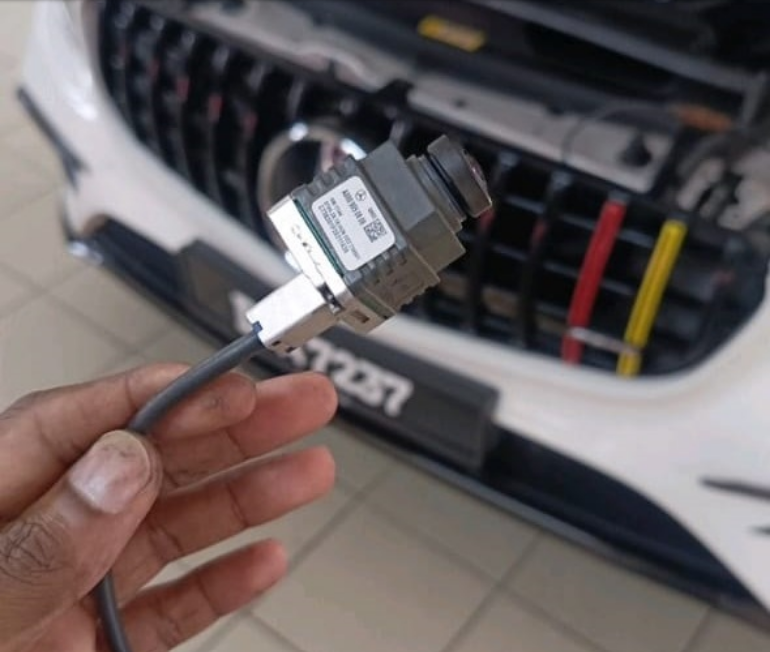
- – Reverse or 360 Camera Not Working: Commonly linked to camera module power issues, bad connections, or control unit malfunctions.
- – Double Display or Mirror Image Glitch: Typically caused by software configuration errors or internal LVDS signal interference.
- – Blank Rear View During Reverse Gear: Can be due to failed reverse signal detection or damaged camera harness.
- – Frozen MBUX Interface: Often software-related a hard reset or system update can restore normal operation.
- – Instrument Cluster Dead After Ignition: May involve a faulty SAM, blown fuse, or loss of CAN communication with the cluster ECU.
Symptom , Cause & Fix Table
| Symptom | Possible Cause | Recommended Fix |
|---|---|---|
| Black dashboard display | Power supply fault, internal IC failure | Check fuses, power lines, replace or repair cluster |
| Screen not turning on | MBUX crash, shorted LVDS cable | Perform system reset, inspect cables, update software |
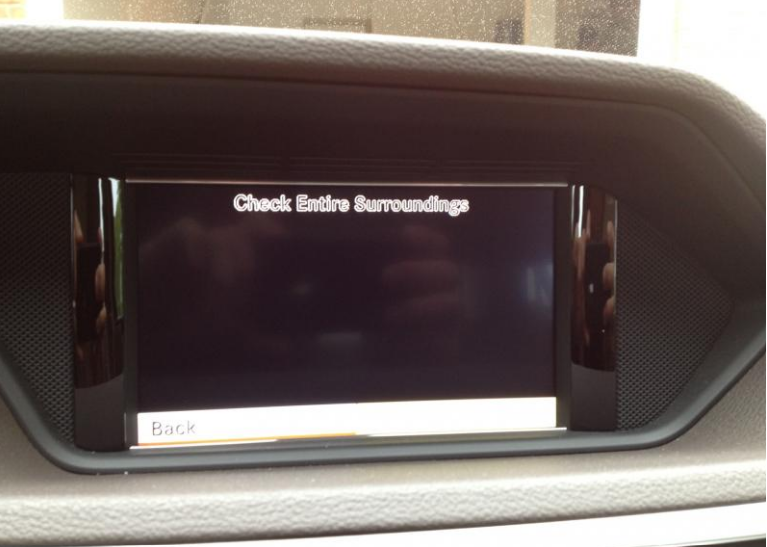
| No camera image on reverse | Camera power loss, water ingress | Check camera voltage, inspect harness, replace faulty unit |
| 360° camera distorted | Calibration error or sensor fault | Recalibrate camera system via XENTRY |
| Double display on screen | LVDS duplication or coding fault | Reflash MBUX or reconfigure display settings |
| Rear camera delay | Faulty communication with control unit | Verify CAN signals, perform guided diagnostics |
| Cluster intermittent flicker | Loose connector or internal fault | Tighten connectors or replace instrument cluster |
Diagnostic Process Overview
- 1. Initial Visual Inspection:
Check for signs of moisture, corrosion, or loose connectors behind the screen, cluster, or camera modules. - 2. Power & Ground Verification:
Measure voltage at the display, MBUX, and camera connectors. Faulty fuses or weak grounds are often the first culprit. - 3. CAN & LVDS Line Checks:
Use XENTRY or an oscilloscope to verify data integrity between control units. Look for missing or shorted signals. - 4. Perform Quick Test (STAR/XENTRY):
Scan all relevant control units IC (Instrument Cluster), HU (Head Unit), RVC (Rear View Camera), and SAM for fault codes. - 5. Software Diagnostics:
Check for available updates for MBUX or IC control units. Sometimes, software bugs cause repeated screen freezes. - 6. Component Testing:
Swap with a known good module or simulate signals to confirm whether the fault is in the component or the network. - 7. Post-Repair Verification:
Clear DTCs, test all camera views, confirm display operation, and perform a test drive.
Real Mercedes Case Studies by Fault Type
Dashboard Display & Instrument Cluster Issues
– Double Display On Mercedes Dashboard: Here’s What to Do
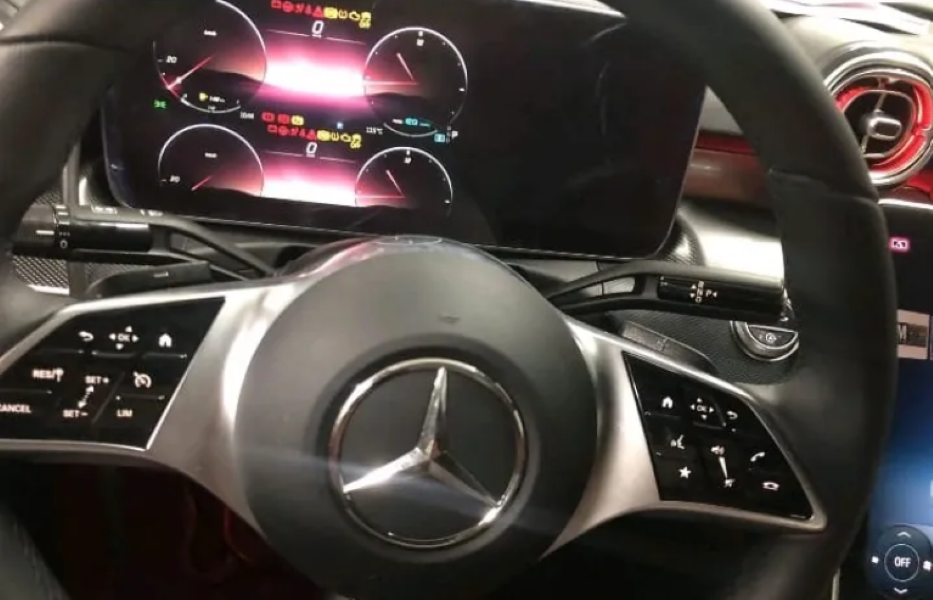
A case where the dashboard showed duplicated images due to a coding fault. Learn how proper reprogramming solved it.
– Mercedes Dashboard Display Not Working? Causes and Fixes
Black screen after ignition diagnosis revealed a blown fuse and LVDS connector corrosion.
– Mercedes Instrument Cluster Not Working: Solution Here
Step-by-step repair of a non-responsive cluster with no CAN communication, including pin checks and wiring inspection.
Infotainment & Screen Problems
– Car Infotainment Screen Not Working: Checks & Repairs
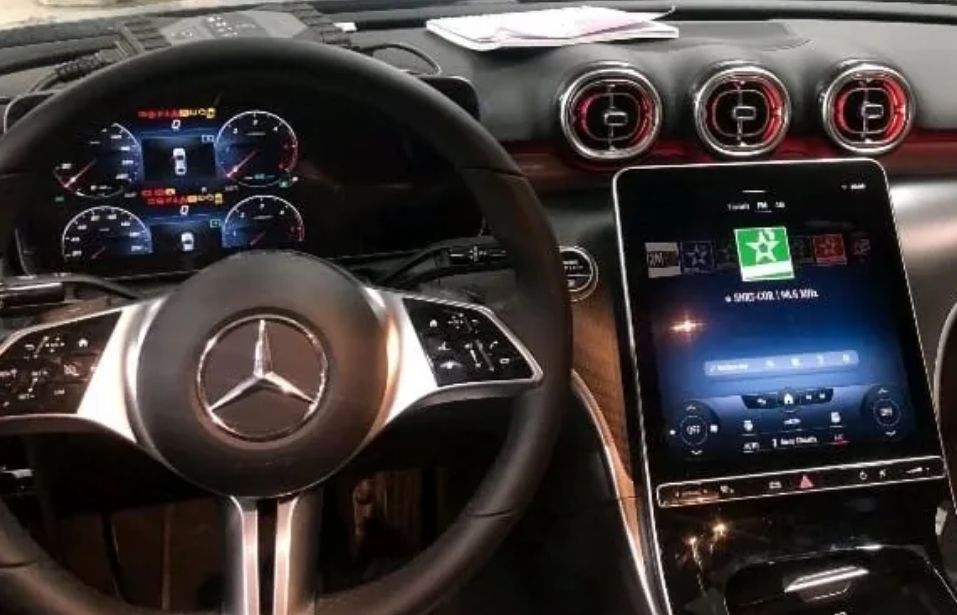
A guide to diagnosing MBUX and NTG display faults, including safe resets, fuse maps, and common error patterns.
Camera System Faults
– Mercedes 360 Camera Not Working: Diagnose and Fix It Now!
Comprehensive case of a 360° camera fault traced to a failed camera control unit.
– Reverse Camera Not Working? Try This Solution!
Reverse image missing due to a faulty voltage supply line see the exact diagnostic path used.
– Camera Not Working: Fix the Problem Fast
Quick guide for diagnosing and restoring front or rear camera functionality in Mercedes models.
Prevention & Maintenance Tips
- – Avoid washing your car with high-pressure water near camera modules or LVDS connectors.
- – Perform regular MBUX software updates to prevent interface lag or black-screen issues.
- – Keep your battery voltage stable; low voltage can trigger display or camera malfunctions.
- – Ensure camera lenses and dashboard vents remain clean to avoid overheating and image distortion.
- – During retrofits or repairs, always verify CAN and LVDS cable integrity damaged cables cause most intermittent issues.
FAQs: Mercedes Display and Camera Faults
Q1: Why is my Mercedes screen black after starting the car?
A power supply or software crash is most likely. Check related fuses, and perform a hard reset by holding the power button for 10–15 seconds.
Q2: How can I reset my MBUX system?
Hold the power button on the center console for 10 seconds. If it doesn’t restart, a diagnostic tool may be required.
Q3: Can water damage cause my camera to stop working?
Yes, water ingress is one of the most common causes of camera module failure, especially after car washes or rear-end impacts.
Q4: Why does my camera image flicker or show lines?
This indicates a signal interference or ground loop issue check LVDS shielding and grounding points.
Q5: Can I replace the instrument cluster myself?
Physically yes, but electronic pairing (SCN coding) and synchronization with the vehicle’s control unit require professional tools like XENTRY or DTS Monaco.
Related Troubleshooting Hubs
– Mercedes Electrical Problems: Fix SAM, ECU & CAN Bus Faults
– Mercedes Driver Assistance System Faults: Radar, Blind Spot & Parktronic Fixes
– Mercedes Check Engine Light: Complete Troubleshooting Hub
– Mercedes Cooling System Problems Guide: Troubleshooting
– Mercedes-Benz Suspension Issues : Symptoms, Causes & Fixes
— Salim, Mercedes Expert
Independent specialist in Mercedes-Benz diagnostics, CAN Bus analysis, troubleshooting case studies, and EV systems.