

Table of Contents
TPMS Light Flashing in Mercedes C300 W204 : Case Study & Step-by-Step Fix
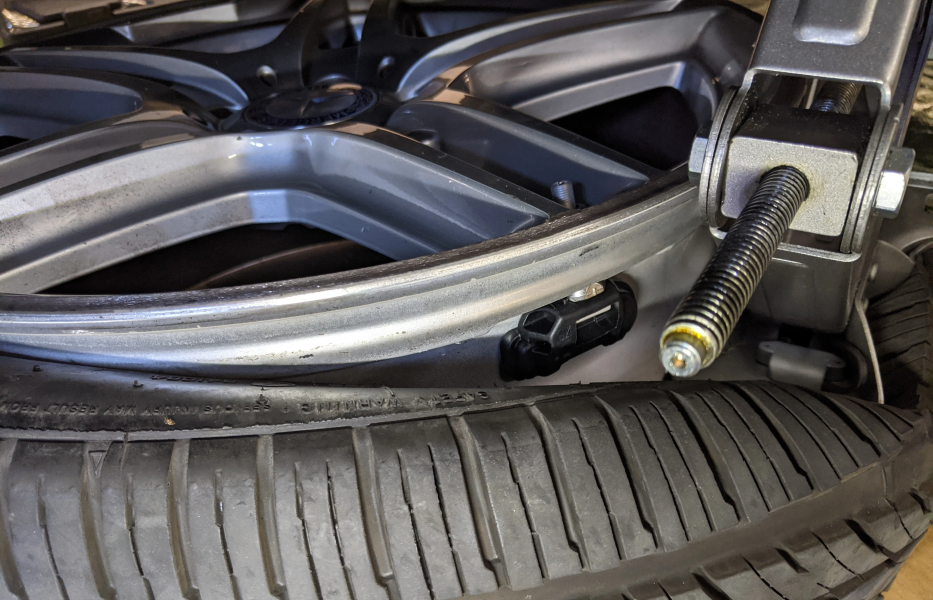
When the TPMS light starts flashing on your Mercedes-Benz dashboard, it’s more than a minor annoyance it’s a sign that your Tire Pressure Monitoring System (TPMS) isn’t functioning properly.
This safety system continuously monitors tire pressure and alerts you to any drop that could compromise grip, braking, or stability.
In this guide, we’ll examine a real-world case study of a Mercedes-Benz C300 W204 (USA) where a flashing TPMS light was traced to a sensor malfunction and walk you through the exact diagnostic and repair process that fixed it.
For more diagnostic case studies and routine service tutorials, visit our hub: Mercedes Maintenance and Service Guide
Customer Complaint: TPMS Light Flashing on Dashboard
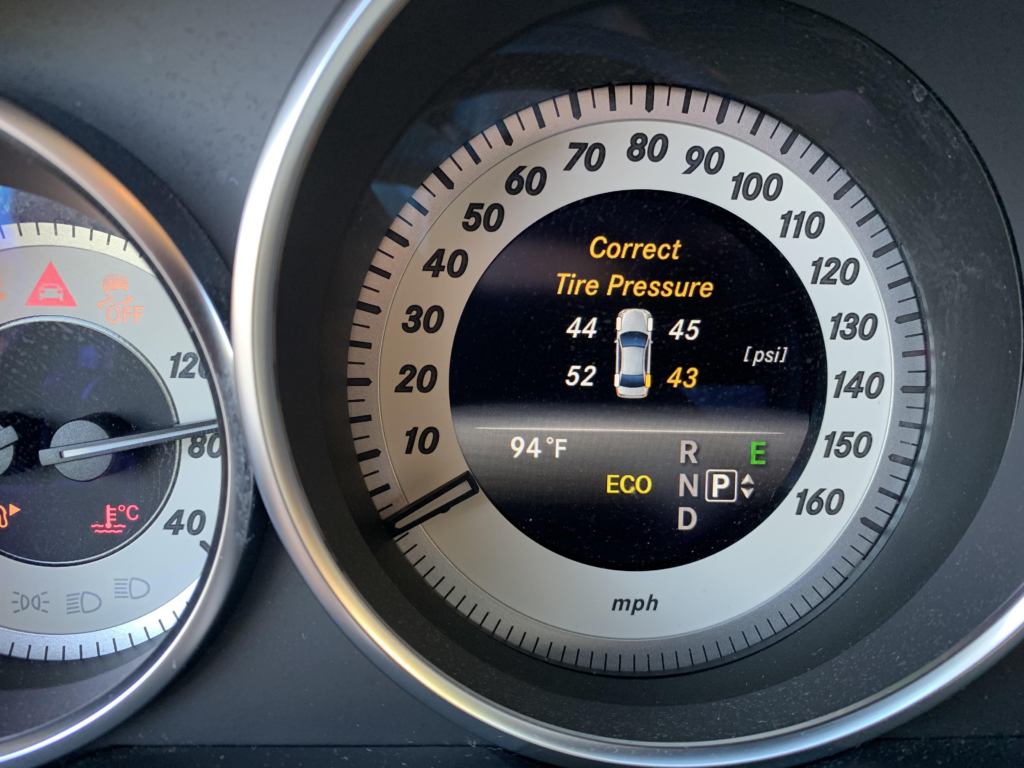
The owner of a Mercedes-Benz C300 W204 reported a persistent flashing TPMS warning light, accompanied by a message indicating that one tire’s sensor was not functioning.
Even after verifying tire pressures manually, the warning continued. Concerned about safety, the customer brought the vehicle to an authorized Mercedes workshop for diagnosis.
Diagnostic Process
Step 1: Initial Scan Using STAR XENTRY
A certified technician began by performing a full vehicle scan with the Mercedes-Benz STAR XENTRY Diagnosis tool.
The system retrieved multiple fault codes linked to the TPMS sensors the key code pointed toward a malfunction in the left front sensor.
Fault Code Example:
“Communication fault , left front TPMS sensor not transmitting signal.”
Step 2: Targeted Testing with the MB3000 TPMS Tool
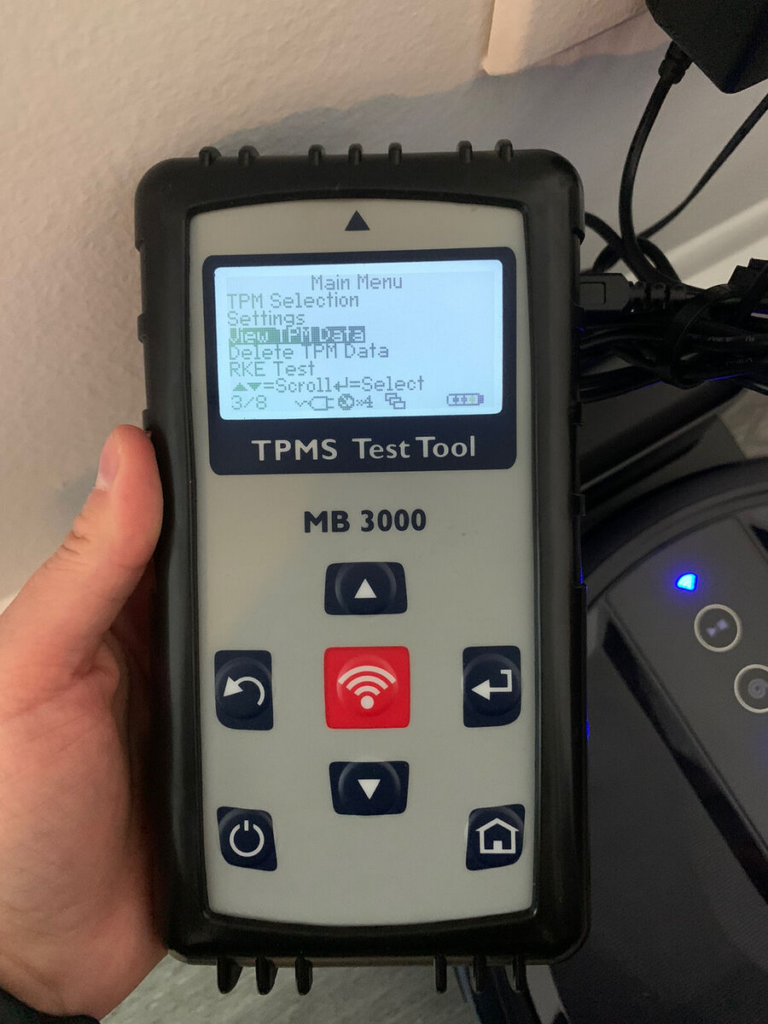
To confirm which sensor had failed, the technician used a Mercedes TPMS MB3000 detection tool.
This handheld device directly reads each tire sensor’s ID, frequency, and signal strength.
- – The MB3000 detected no signal from the left front sensor.
- – All other sensors transmitted normally, confirming that the fault was isolated.
Repair & Reprogramming Procedure
1. Replacing the Faulty TPMS Sensor
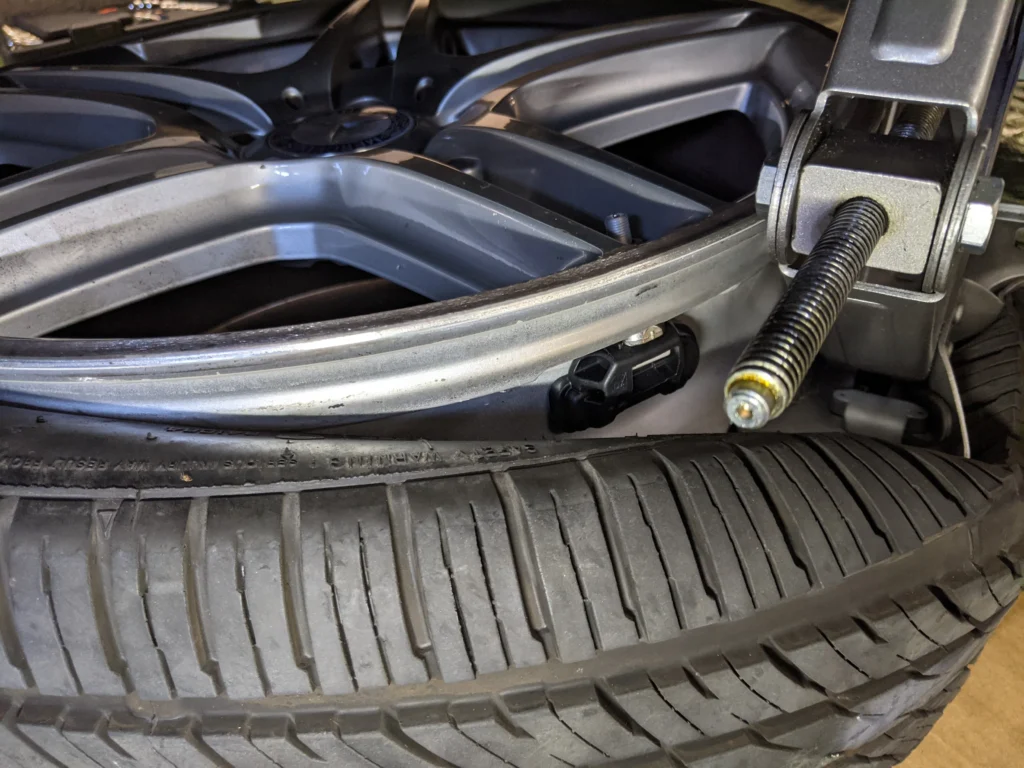
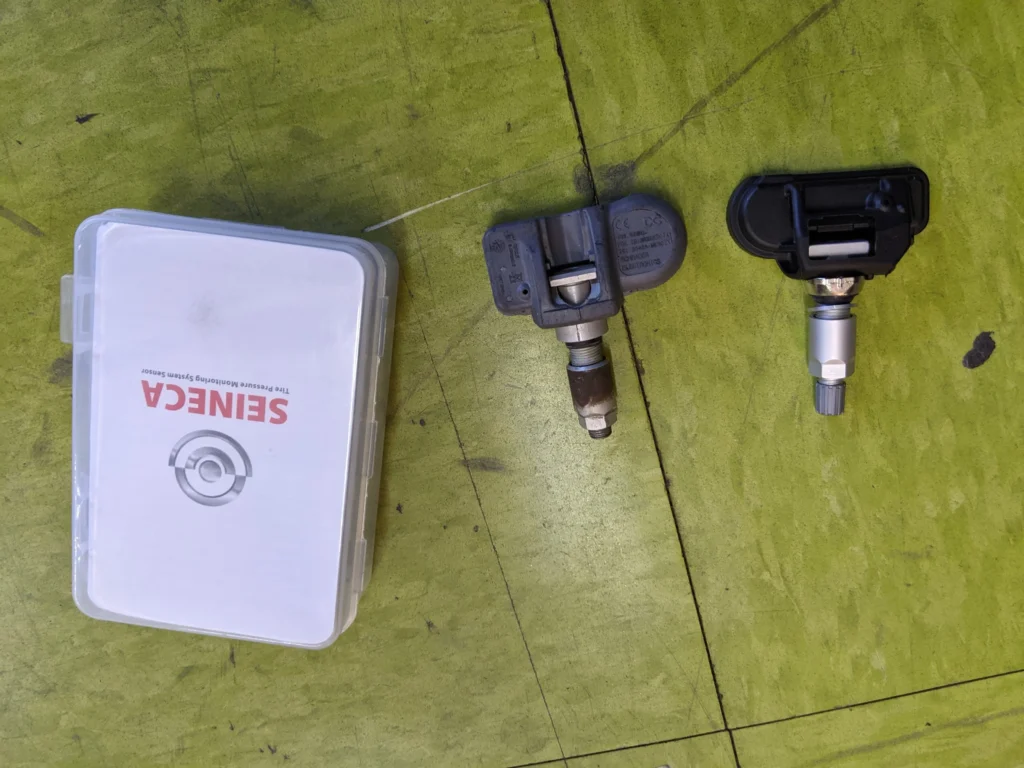
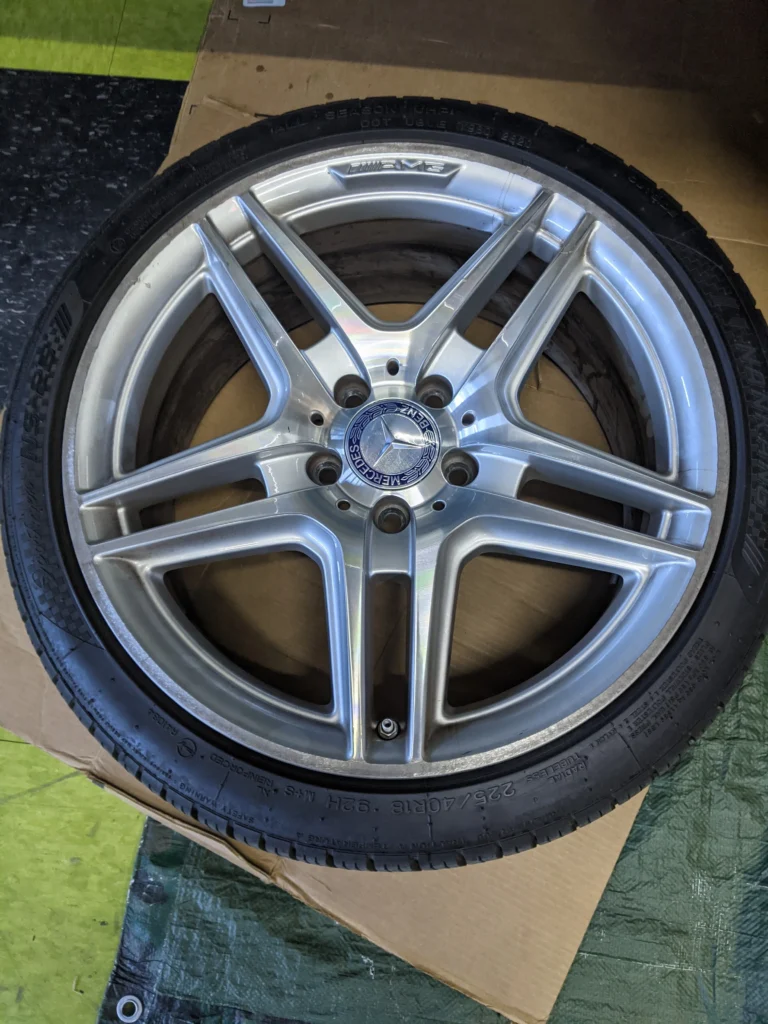
The technician replaced the defective left front sensor with a genuine Mercedes-Benz OEM unit.
Each wheel sensor contains a sealed micro-battery and pressure transducer when one fails, it must be replaced rather than repaired.
2. TPMS Reprogramming
After installation, the new sensor ID was programmed into the vehicle’s ECU using the XENTRY diagnostic interface.
This step is essential to ensure the system recognizes and communicates with the replacement sensor.
3. Test Drive & Verification
The technician performed a short calibration drive (~2 miles) at moderate speed.
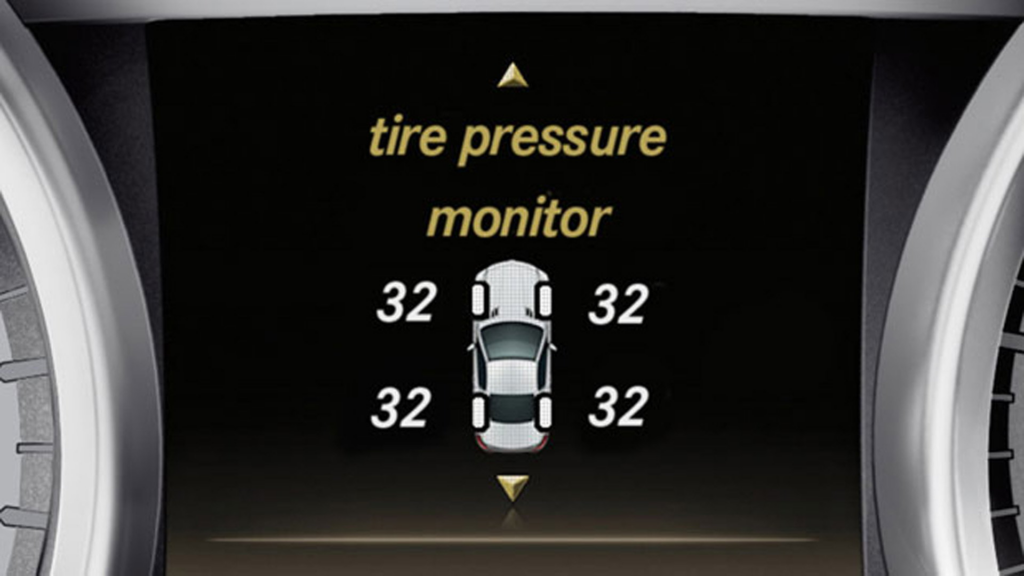
Within minutes, the dashboard light stopped flashing, and all four tire pressures displayed correctly in the cluster.
Outcome: TPMS light cleared successfully full system functionality restored.
Key Takeaways from This Case
- – Accurate diagnostics prevent unnecessary sensor replacements.
- – Always reprogram the TPMS module after installing a new sensor.
- – A flashing light usually indicates a system fault, not low pressure.
- – Using Mercedes-specific tools (STAR XENTRY, MB3000) ensures precise results.
Why Is My Tire Pressure Light Blinking?
A blinking tire pressure light doesn’t necessarily mean your tires are low it often points to a fault within the TPMS itself.
Possible causes include:
- – Dead or weak sensor battery (typically lasts 5–7 years).
- – Broken or corroded TPMS sensor.
- – Faulty TPMS control unit or communication error.
- – Incorrect wheel sensor programming after tire replacement.
When the light blinks for 60–90 seconds before staying solid, it’s the system’s way of warning you that it can’t read one or more sensors accurately.
How to Stop the TPMS Light from Blinking
- 1. Check Tire Pressure: Inflate all tires to the pressure listed on the driver-door placard.
- 2. Reset the TPMS: Use the vehicle menu or reset button (varies by model).
- 3. Inspect TPMS Sensors: Have each sensor scanned to identify non-responding units.
- 4. Test the TPMS Control Module: A diagnostic tool can check communication and reinitialize the system.
- 5. Replace Faulty Components: If a sensor or module fails, install a new OEM part and perform coding.
If the warning persists after these steps, seek help from a Mercedes specialist with XENTRY or equivalent equipment.
Can You Drive with a Flashing Tire Pressure Light?
Technically, yes but it’s not recommended.
When the TPMS is malfunctioning, the system cannot warn you about underinflated tires, which increases the risk of:
- – Poor handling and braking.
- – Uneven tire wear.
- – Potential blowouts at high speeds.
It’s best to repair or reprogram the TPMS immediately to ensure your Mercedes remains safe and compliant.
How to Reset the Tire Pressure Light (General Steps)
- 1. Check all tire pressures and inflate them to the correct PSI.
- 2. Turn the ignition ON without starting the engine.
- 3. Locate the TPMS reset function either a button under the steering wheel, in the glove box, or within the infotainment system.
- 4. Hold the reset button until the light flashes three times, then release.
- 5. Drive at 15 mph (25 km/h) or above for about 10 minutes to recalibrate.
- 6. Restart the vehicle. The warning light should now remain off.
For Mercedes-specific reset methods and maintenance best practices, refer to the full Mercedes Maintenance and Service Guide.
Conclusion
The flashing TPMS light on the Mercedes-Benz C300 W204 was ultimately caused by a failed tire sensor, confirmed through proper diagnostic testing.
Replacing the sensor and performing the correct reprogramming procedure resolved the issue completely.
This case underscores how structured diagnostics and OEM-grade tools are key to maintaining vehicle safety systems.
If your TPMS light flashes or fails to clear after tire servicing, a professional diagnostic session is the safest and fastest path to a fix.
Learn more maintenance insights and hands-on diagnostic examples in our main hub: Mercedes Maintenance and Service Guide
— Salim, Mercedes Expert
Independent specialist in Mercedes-Benz diagnostics, CAN Bus analysis, troubleshooting case studies, and EV systems.